
How to Create a System Restore Point in Windows 11 – Full Guide
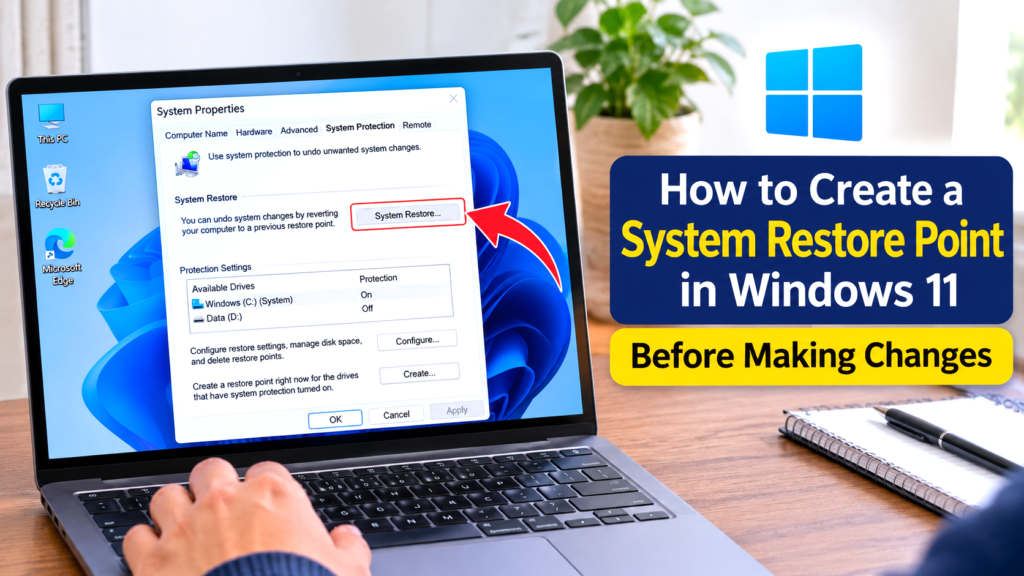
How to Create a System Restore Point in Windows 11 — Full Guide | XpertechSolution Quick answer To create a System Restore Point in Windows 11, press Win + R, type sysdm.cpl, and press Enter. On the System Protection tab: If Protection shows Off for your C: drive, click Configure, choose Turn on system protection, […]
How to Fix Windows Defender Not Allowing to Install Software
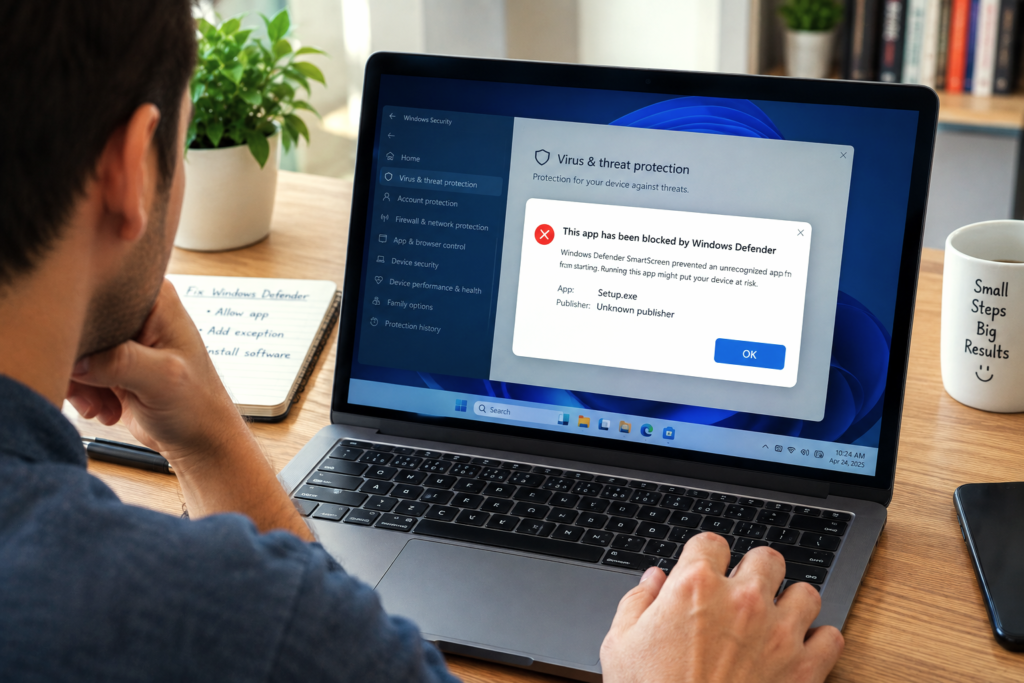
How to Fix Windows Defender Not Allowing to Install Software | XpertechSolution Quick answer When Windows Defender is not allowing you to install software, the first step is identifying which protection layer is blocking it — because Windows 11 has three, and each needs a different fix: SmartScreen (blue “Windows protected your PC” dialog) — […]
How to Free Up Disk Space in Windows 11 Without Losing Files
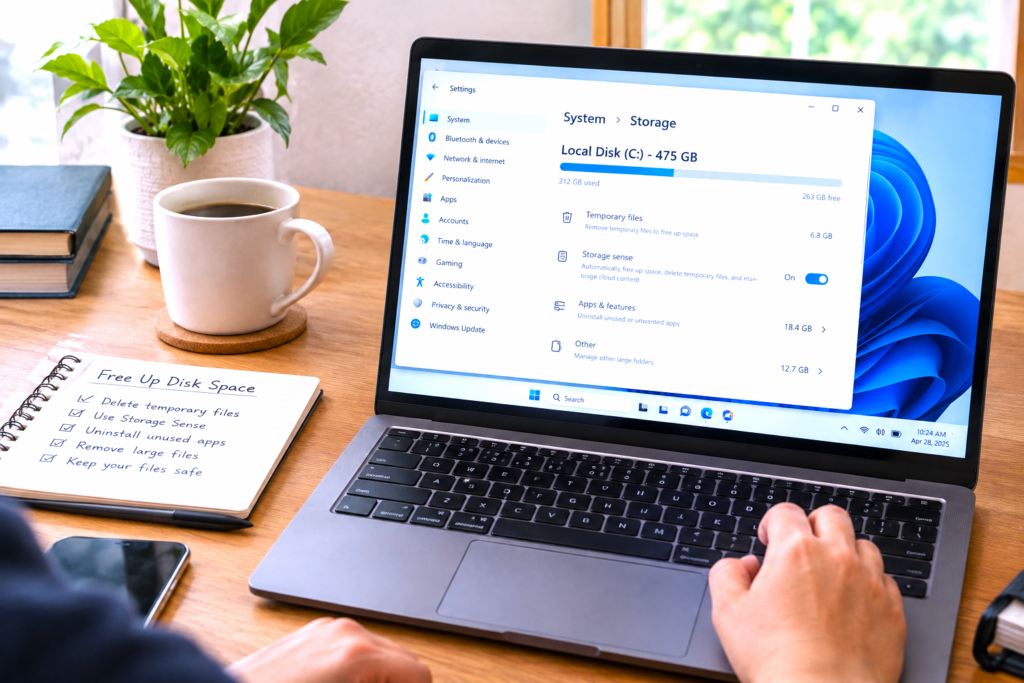
How to Free Up Disk Space in Windows 11 Without Losing Files | XpertechSolution Quick answer To free up disk space in Windows 11 without deleting personal files, work through five high-impact actions in this order: Uninstall unused apps — Settings → Apps → Installed apps, sorted by size. Remove Windows.old — Settings → System […]
How to Clear All Cache in Windows 11 to Improve Performance
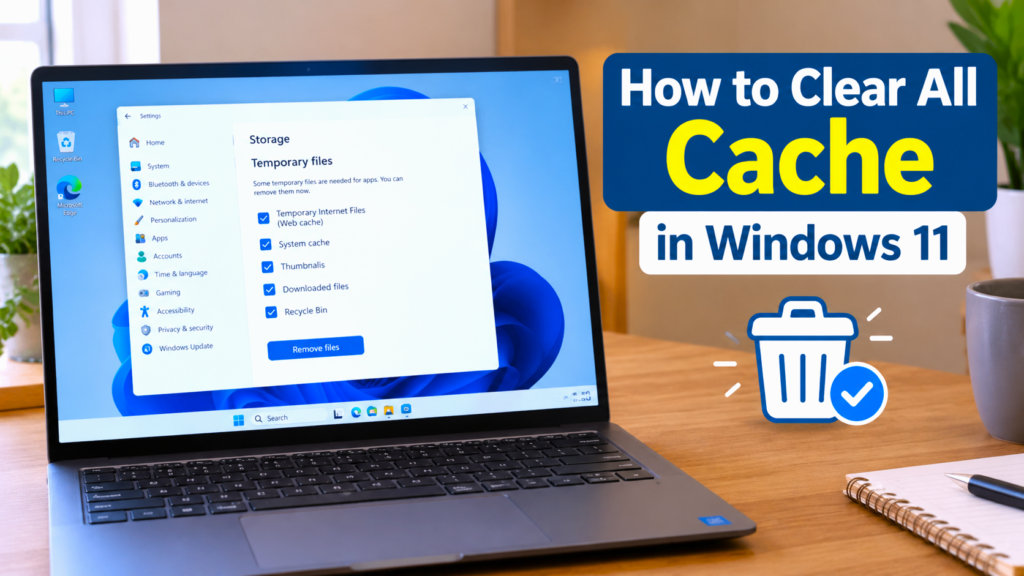
How to Clear All Cache in Windows 11 to Improve Performance | XpertechSolution Quick answer To clear cache in Windows 11 quickly and comprehensively, use three high-impact actions in sequence: Clear temporary files via Settings → System → Storage → Temporary files. Run Disk Cleanup via Start search → cleanmgr → Clean up system files. […]
How To Fix Windows 11 WiFi Not Showing
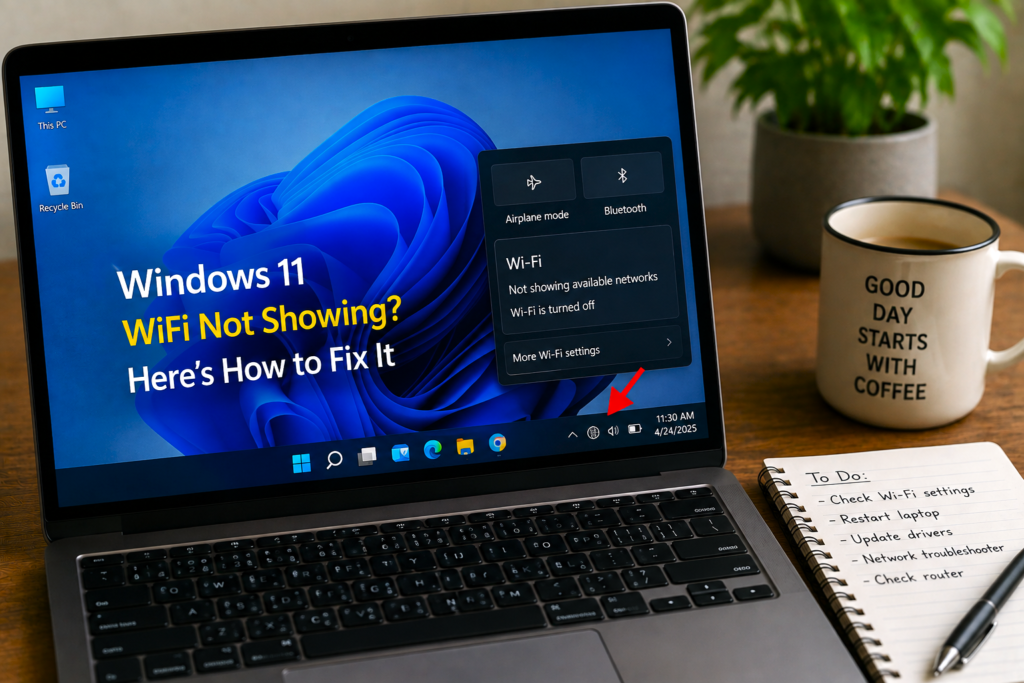
How To Fix Windows 11 WiFi Not Showing | Xpertech Solution LLC ⚡ Quick Answer If WiFi is not showing in Windows 11, the most likely cause is a disabled wireless adapter, a stopped WLAN AutoConfig service, or a corrupt driver. Open Device Manager, enable your wireless adapter if it’s disabled. If it’s missing, open […]
How to Reinstall Windows 11 Without Losing Data -The Three Safest Methods
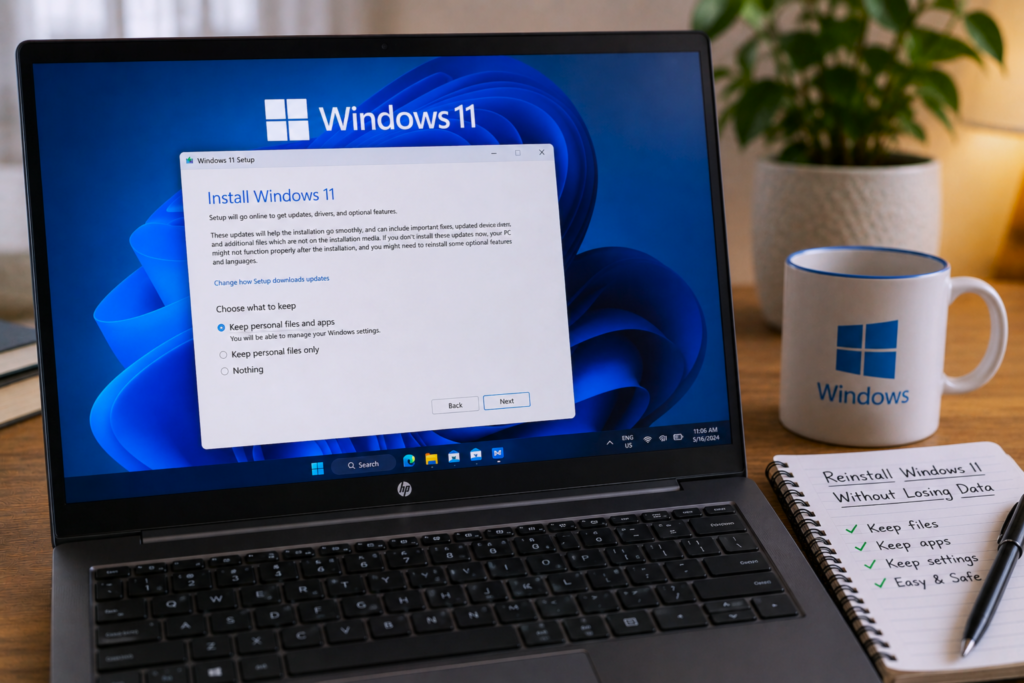
How to Reinstall Windows 11 Without Losing Data — Safe Guide | XpertechSolution Quick answer There are three verified ways to reinstall Windows 11 without losing your personal files. The method that fits depends on what you want to keep: Repair install using Windows 11 ISO — keeps personal files, installed apps, and settings. The […]
Why Parallels Desktop Breaks After Every macOS Update Explained
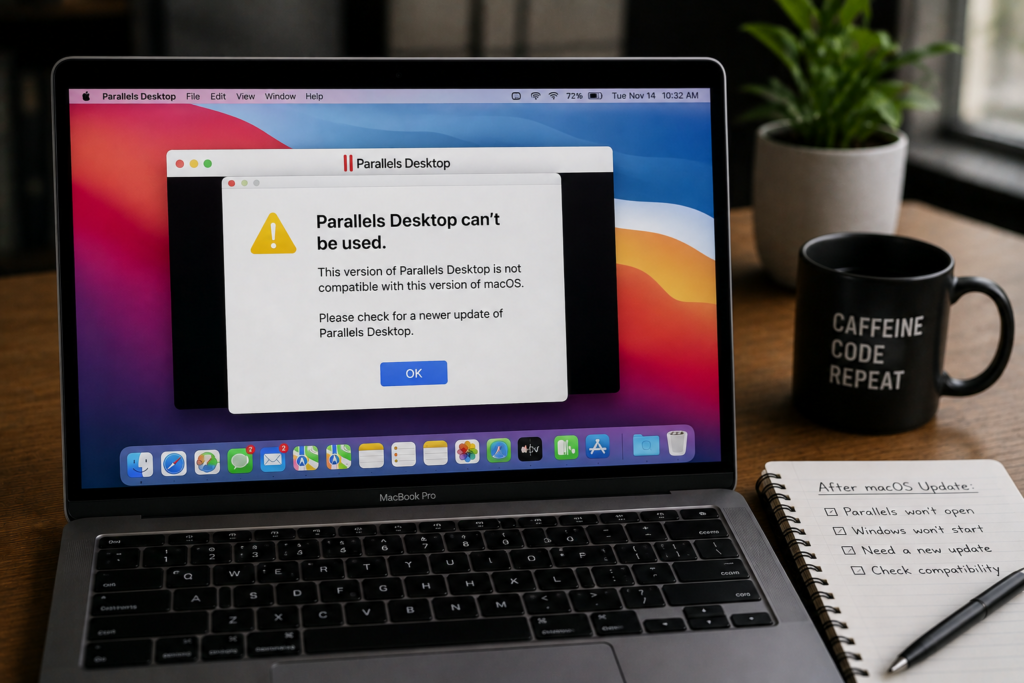
Why Parallels Desktop Breaks After Every macOS Update Explained | XpertechSolution The core idea Parallels Desktop breaks after macOS updates because it depends on the deepest, most frequently changing layers of the operating system — the hypervisor framework, the graphics stack, the memory manager, the security model. Every September Apple ships a new macOS with […]
Why Windows 11 Apps Crash With Error 0x803f8001 Explained
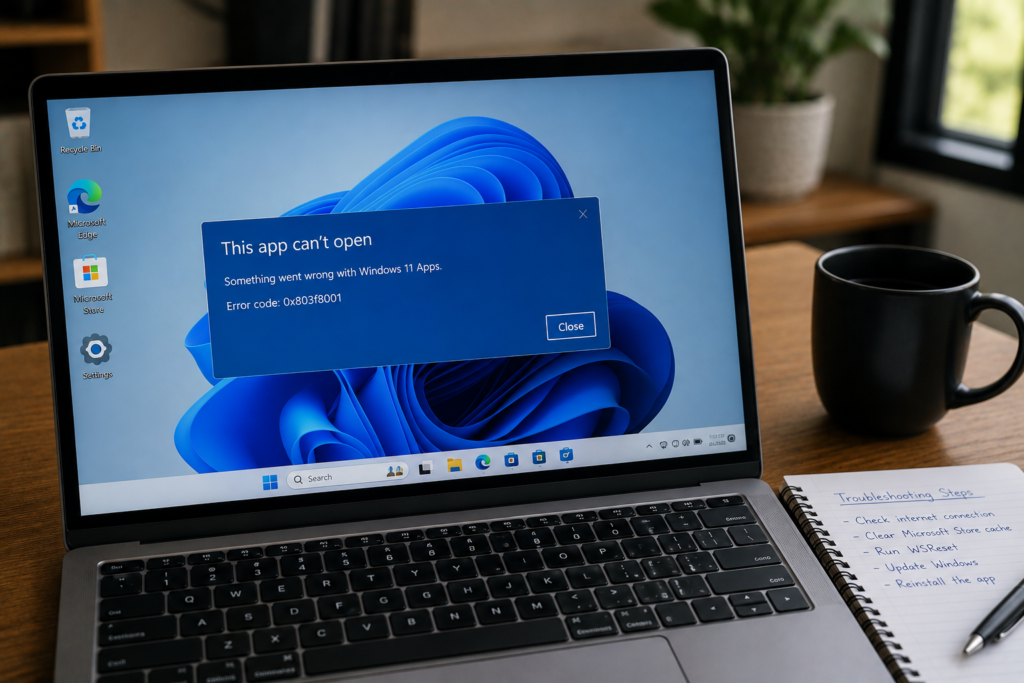
Why Windows 11 Apps Crash With Error 0x803f8001 Explained | XpertechSolution The core idea When Windows 11 apps crash with error 0x803f8001, the app itself has not failed. Windows has failed to validate its licence. The apps that used to be simple installed programs — Notepad, Paint, Snipping Tool — are now delivered through the […]
How to Fix 100% Disk Usage in Windows 11 — 12 Proven Fixes
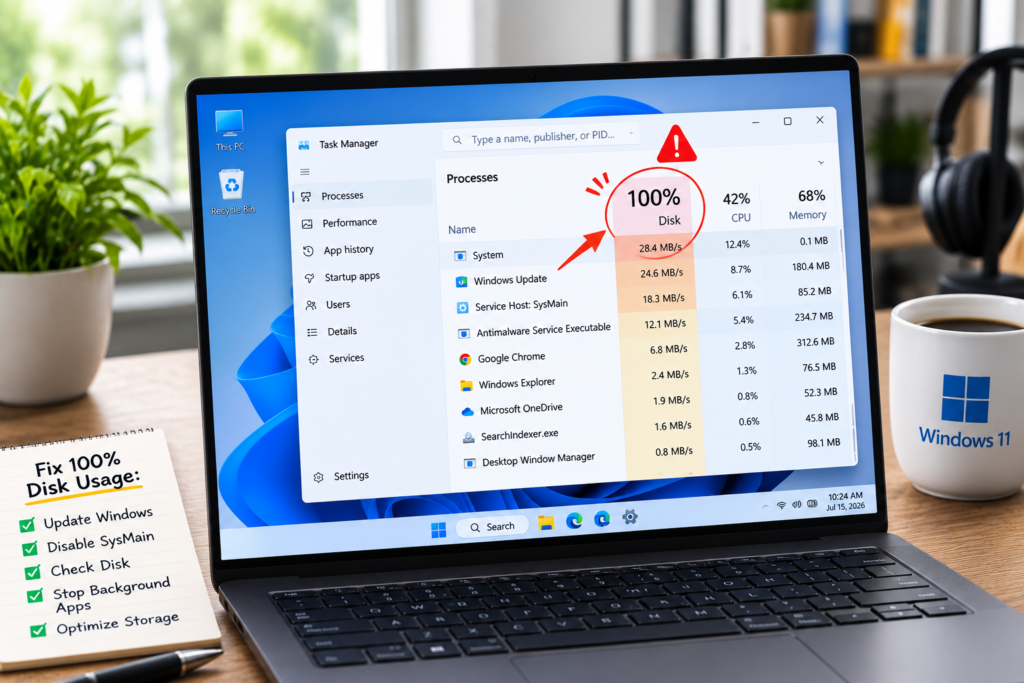
How to Fix 100% Disk Usage in Windows 11 — 12 Proven Fixes | XpertechSolution Quick Answer Windows 11 at 100% disk usage is not one problem — it is several, and Task Manager tells you which one applies. Press Ctrl + Shift + Esc and sort by the Disk column. If Service Host: SysMain […]
Why Outlook Keeps Asking for a Password – 3 Real Causes
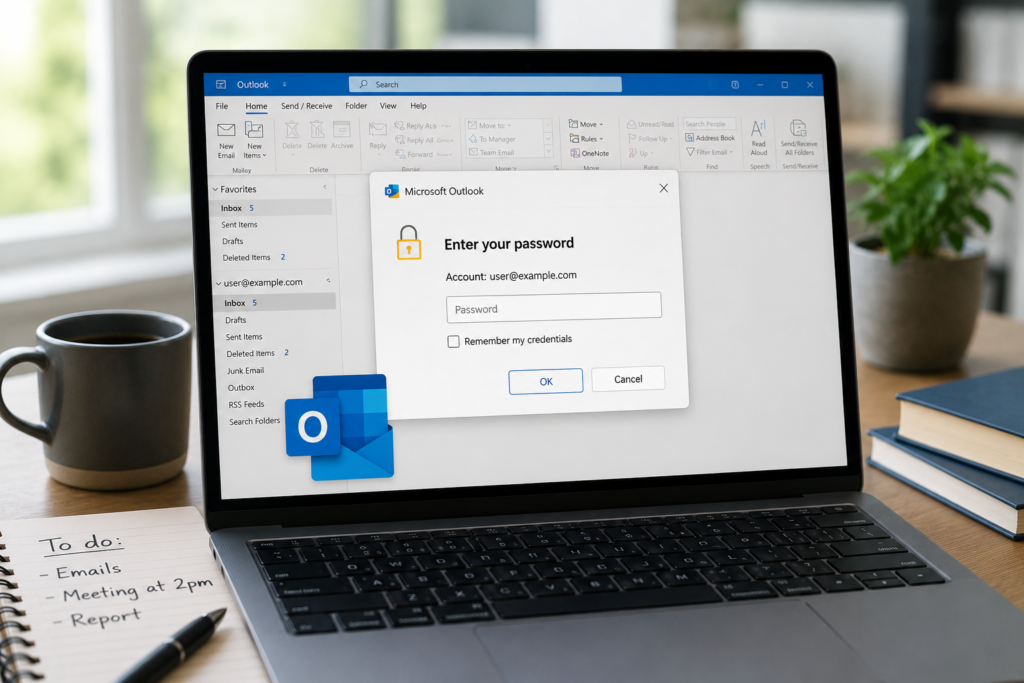
Why Outlook Keeps Asking for Your Password — 3 Real Causes | XpertechSolution The core idea When Outlook keeps asking for your password every time you open it, it looks like a single problem — but it is actually three different problems wearing the same disguise. Each has a different cause. Each has a different […]
